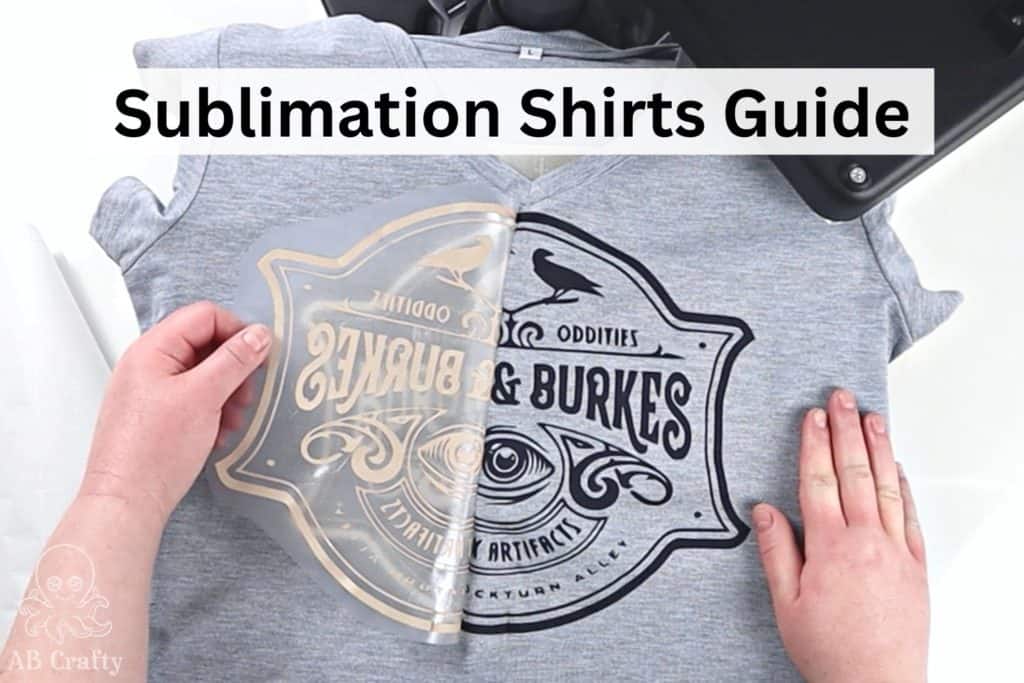
When I first started making sublimation shirts, I thought the hard part was over once I had a design. I quickly learned that the real challenge is the science of the transfer itself. From shirts that looked faded because of the “Polyester Lie” to the dreaded “pizza wheel” marks and ghosted images, I’ve hit every roadblock in the book.
Sublimation is unique because the print on the paper looks dull by design – it only becomes vibrant once it’s gassed into the fibers. But if your fabric blend is wrong, your pressure is uneven, or there’s hidden moisture in your workspace, your “perfect” design will never make it to the shirt. In this guide, I’m breaking down the 70% rule, the “pre-press” secret, and how to troubleshoot the most common issues so you can stop wasting expensive blanks and start getting pro-level results.
Table of Contents
Note: Some links in this post may contain affiliate links, which means at no cost to you, I may earn a commission.
Get the latest DIY tutorials, reviews, and crafting updates
You'll never be spammed and can unsubscribe at any time
The 70% Rule: Why Your Shirt Looks Dull
If your finished shirt looks like a faded vintage tee, the culprit is usually the fabric tag. Think of it this way: the ink only has a “chemical bond” with polyester. If you use an 80% polyester shirt, only 80% of the shirt will absorb the color so it will only have 80% of the vibrancy.
My Rule: I never recommend going lower than 70% polyester. Even at 70%, your colors will be noticeably less vibrant than a 100% poly shirt. Also, remember that your base color matters, sublimation ink is transparent, so a colored shirt acts like a “filter” that will always dull your final design. Stick to bright white for the best “pop.”
These are some great options of 100% polyester shirts:
There are ways to use sublimation on cotton shirts, non-polyester shirts, and colored shirts, but that requires either DTF or sublimation paper specifically for cotton and uses a different process.